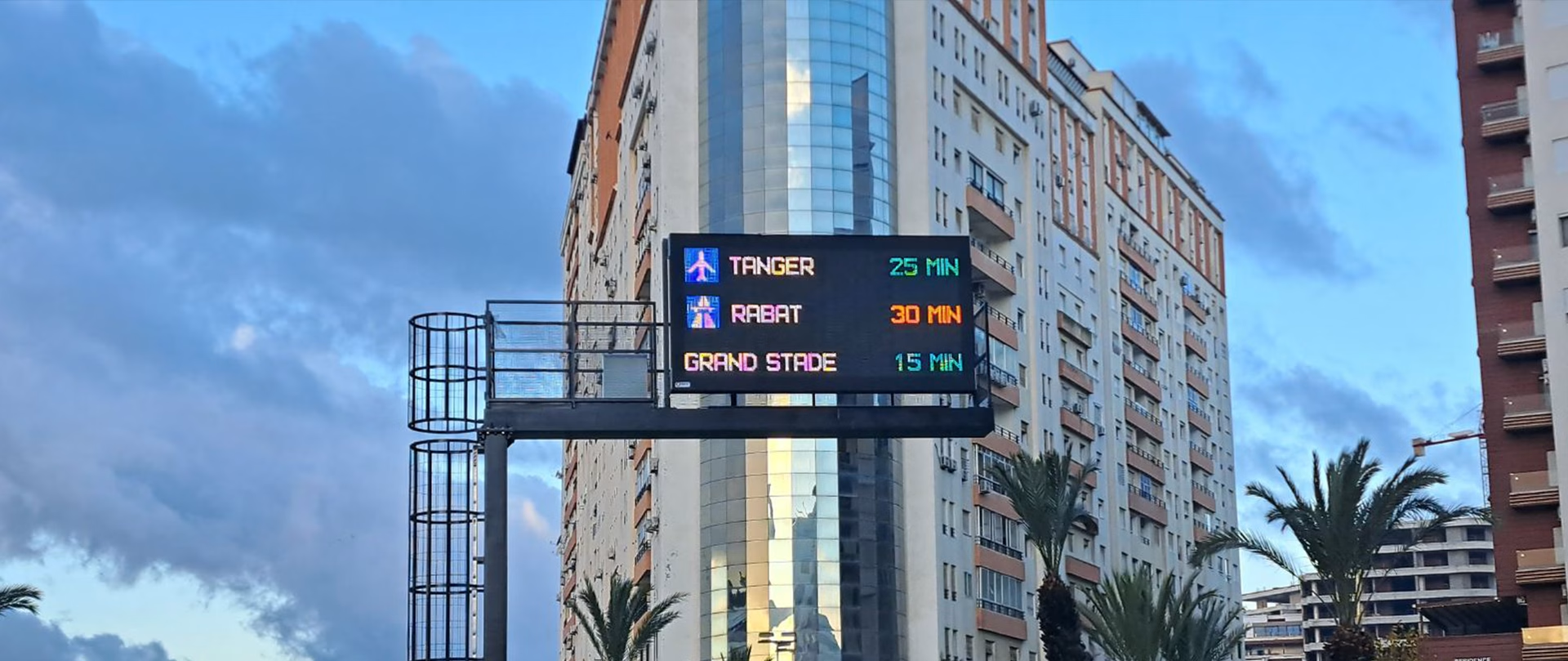
Traffic information VMS
Simple Integration and Management
These signs are typically integrated into ITS software via Ethernet or RS485 serial communication. DMV offers a wide range of standard communication protocols for seamless integration, including: Modbus, Profibus, NTCIP, UTMC, Sitos, RSMP, NMCS via RS485, DMV Oblak – our own well-documented protocol with the option for management via digital inputs and outputs. During software integration, you can rely on full support from our software team, as well as our dedicated software tools for protocol development and troubleshooting.
Management Options:
- Command Console: An Android- or Windows-based application for PC, Tablet, or smartphone. The software is for operators who are directly connected to the device over RS232, Ethernet, or Bluetooth, handling only one device at a time. From the Command Console, users can adjust the sign’s functionality, collect traffic statistics from the sign, and verify its proper operation. The app can be downloaded from the App Store or delivered free of charge.
- Control Center: Web portal and SCADA server software
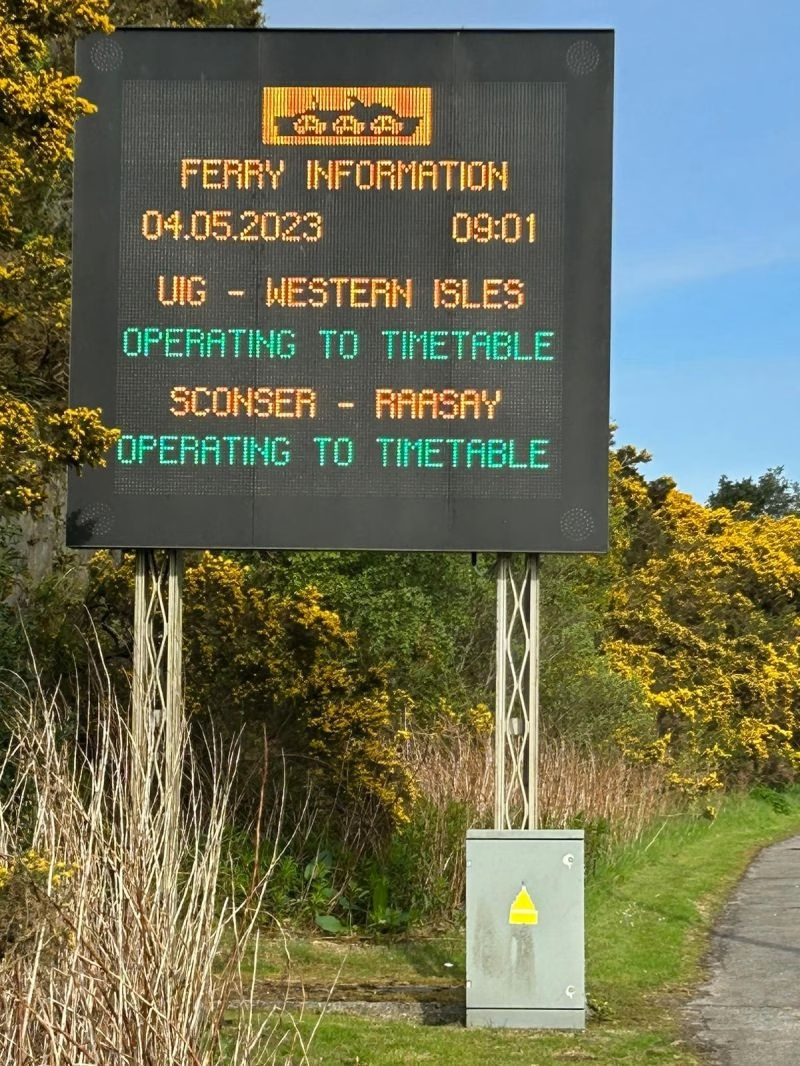
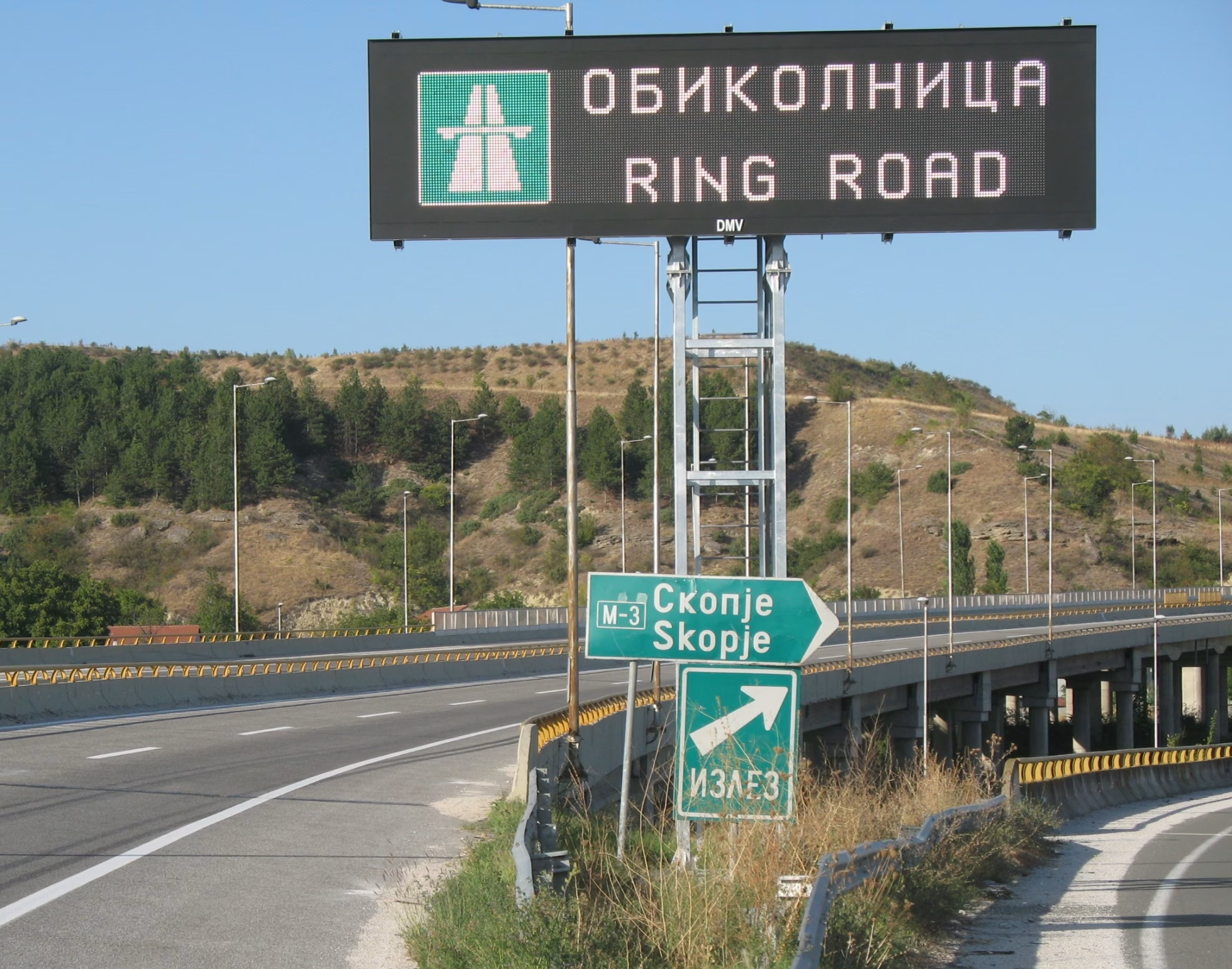
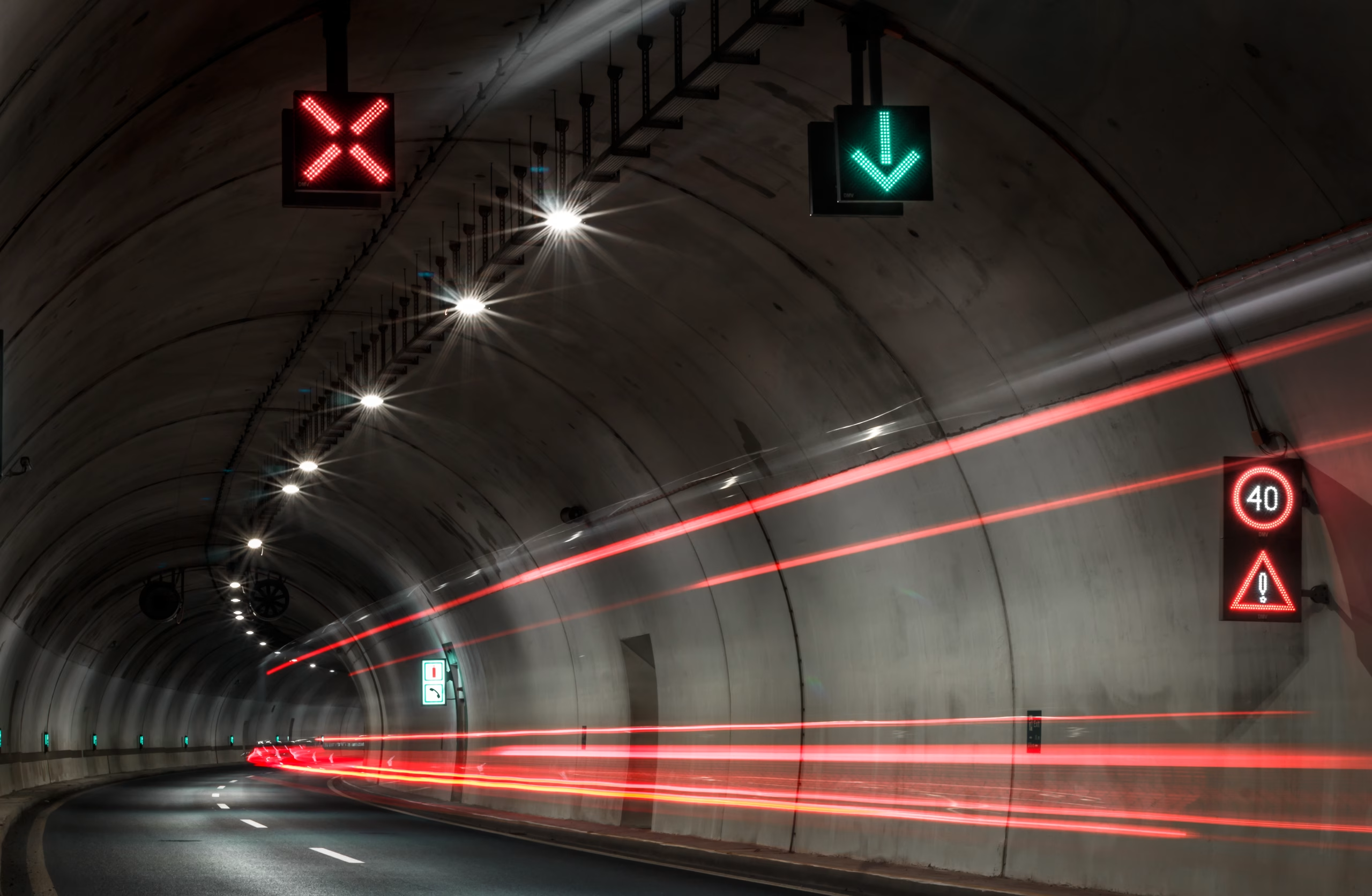
Informative traffic signs are installed on city streets to provide drivers with various types of real-time information. These signs can operate autonomously based on preset scenarios, or as part of a larger Traffic Information System (ITS) connected to the DMV Control Center or other third-party traffic management software.
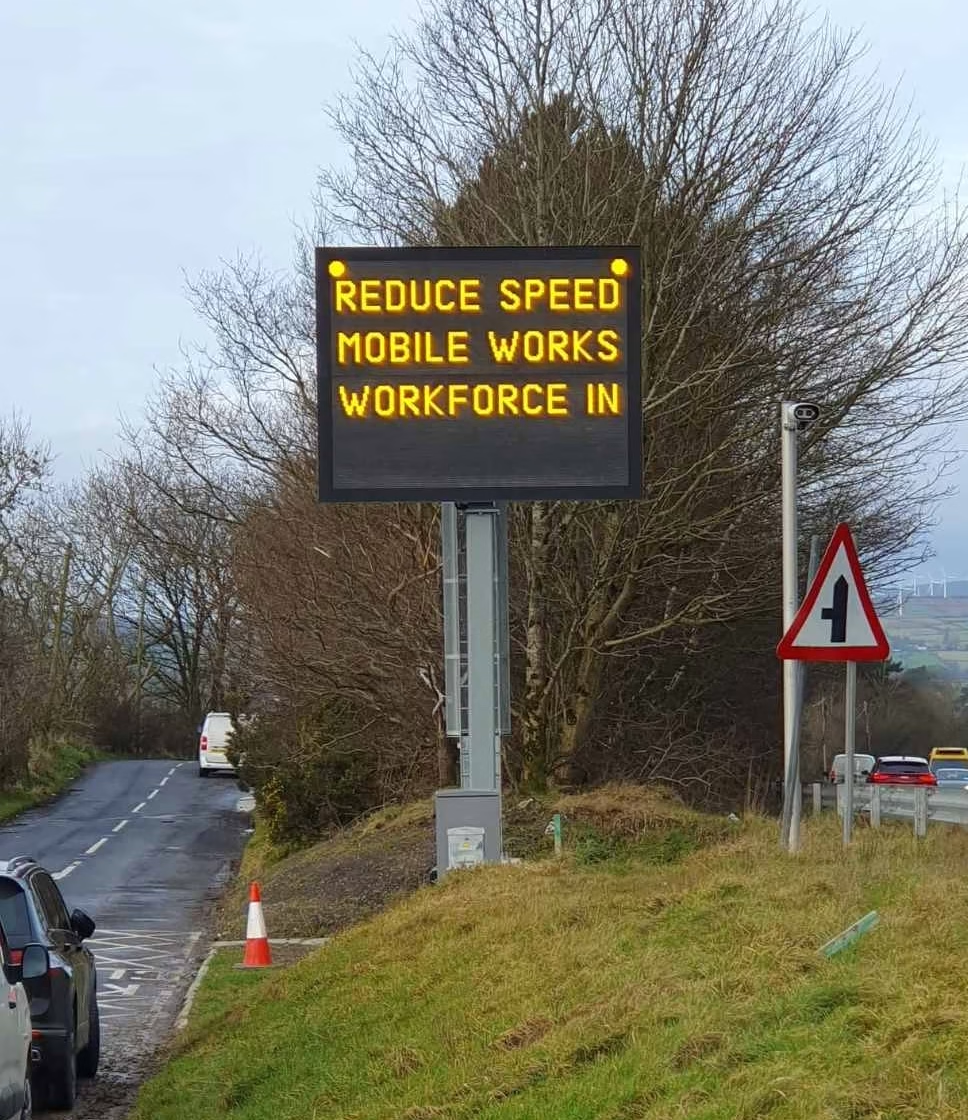
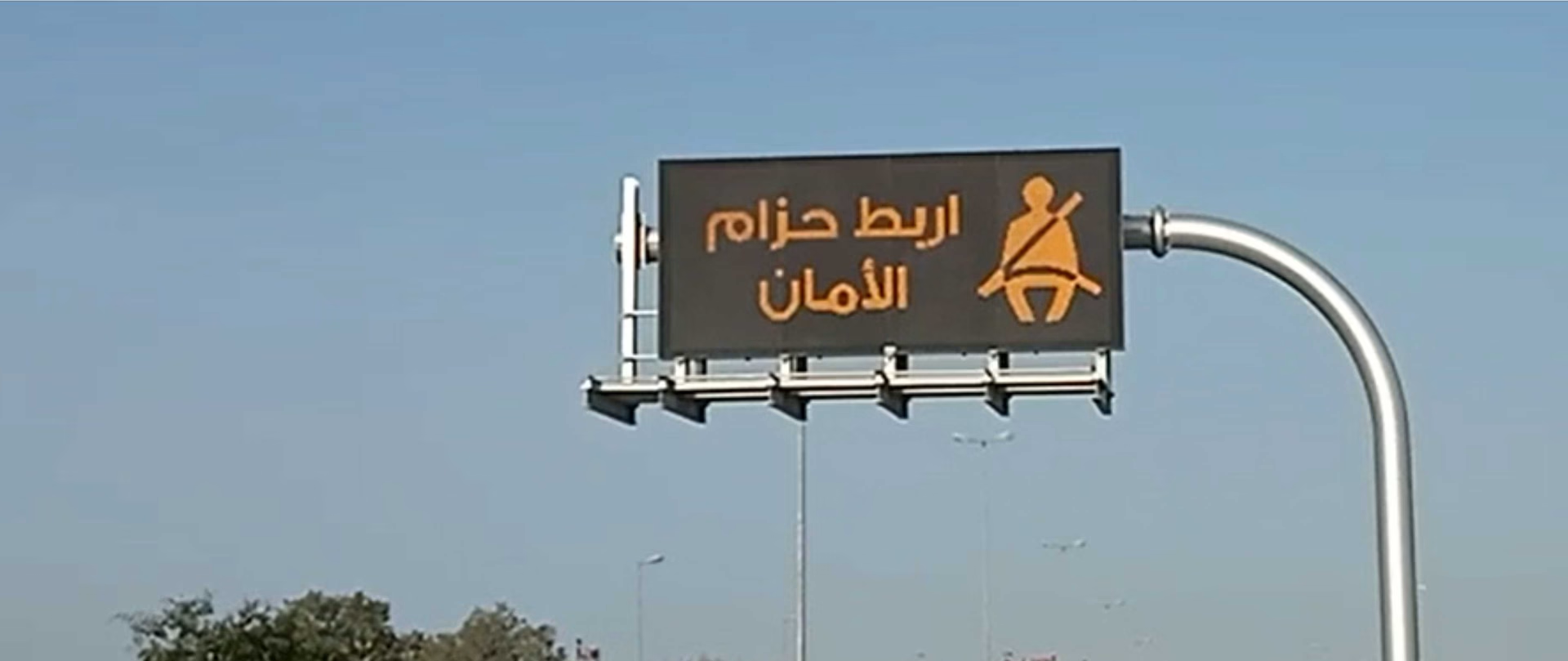
Maximum Visibility with High Energy Efficiency
Thanks to world-class optical design for all certified pixel pitches, our signs meet the highest optical classes of the EN12966 standard: L3, R3, C2, B3, B6, or B7. By utilizing low current percentages through the diodes, we ensure an exceptionally long LED lifespan and low energy consumption.
The signs are engineered with constant-current LED drivers, ensuring stable illumination regardless of grid voltage fluctuations.
Multiple Operating Modes
The operating mode and the content displayed on the sign depend on the currently active program or “scenario.” Scenarios can be activated in the following ways:
- Manual Activation: An operator can manually trigger scenarios from the Control Center.
- Automatic Activation (ITS Data): Scenarios are triggered based on data from other ITS equipment (cameras, radars, weather or eco-sensors, traffic counters, over-height vehicle detectors). For example, weather sensors provide data, allowing the Control Center to activate specific warnings (slippery road, ice, side winds) and reduce speed limits.
- Scheduled Activation: Operators can pre-define scenarios for specific dates and times using a built-in calendar.
- Event Announcement System: Activation via the Automatic Traffic Event Announcement System ([link to system]).
Every scenario has a defined priority level. If two scenarios are active simultaneously, they will either rotate, or the sign will display only the one with the higher priority (e.g., “Ice on Road” takes precedence over a “Seatbelt Safety” campaign).
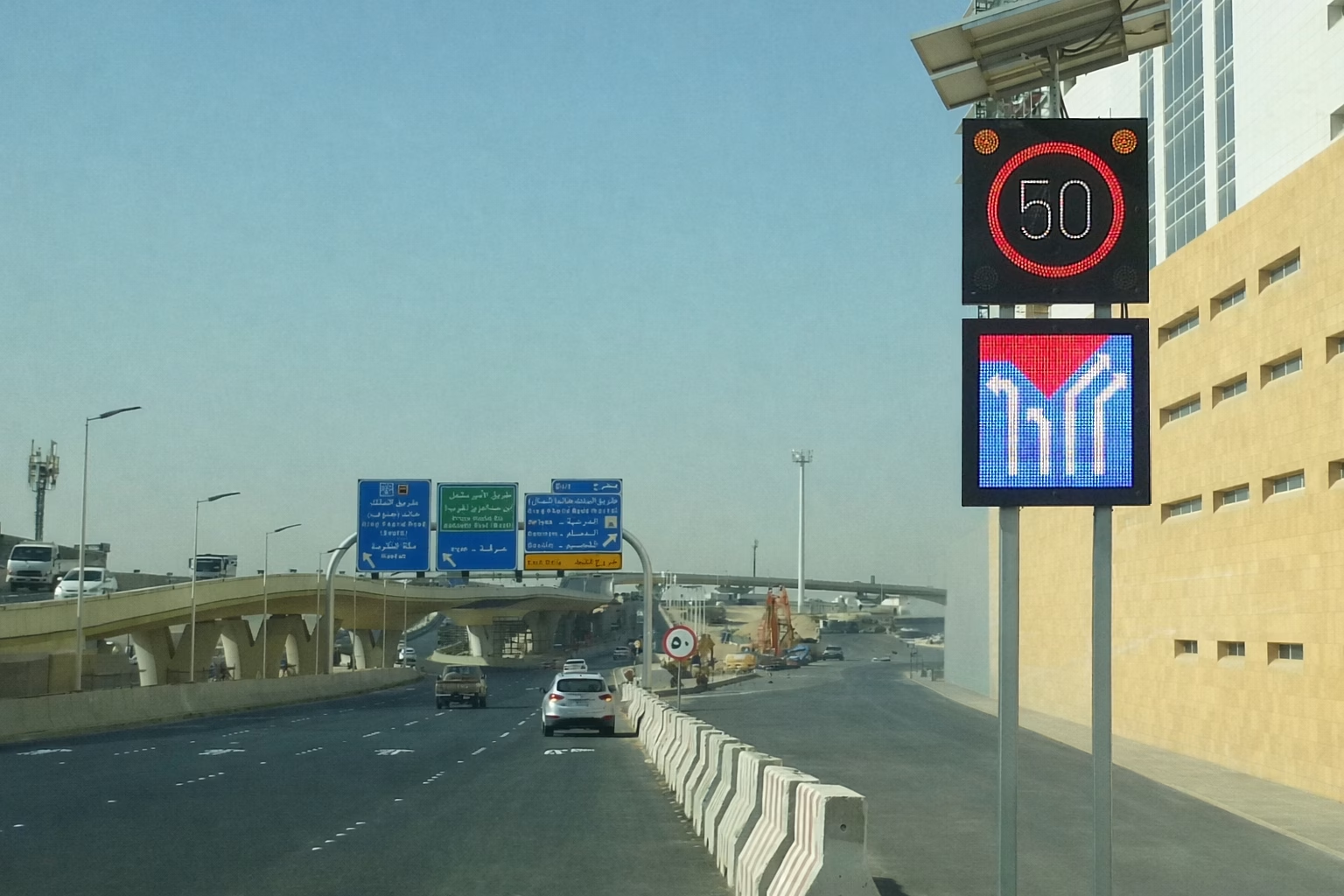
Various pixel pitches and custom production
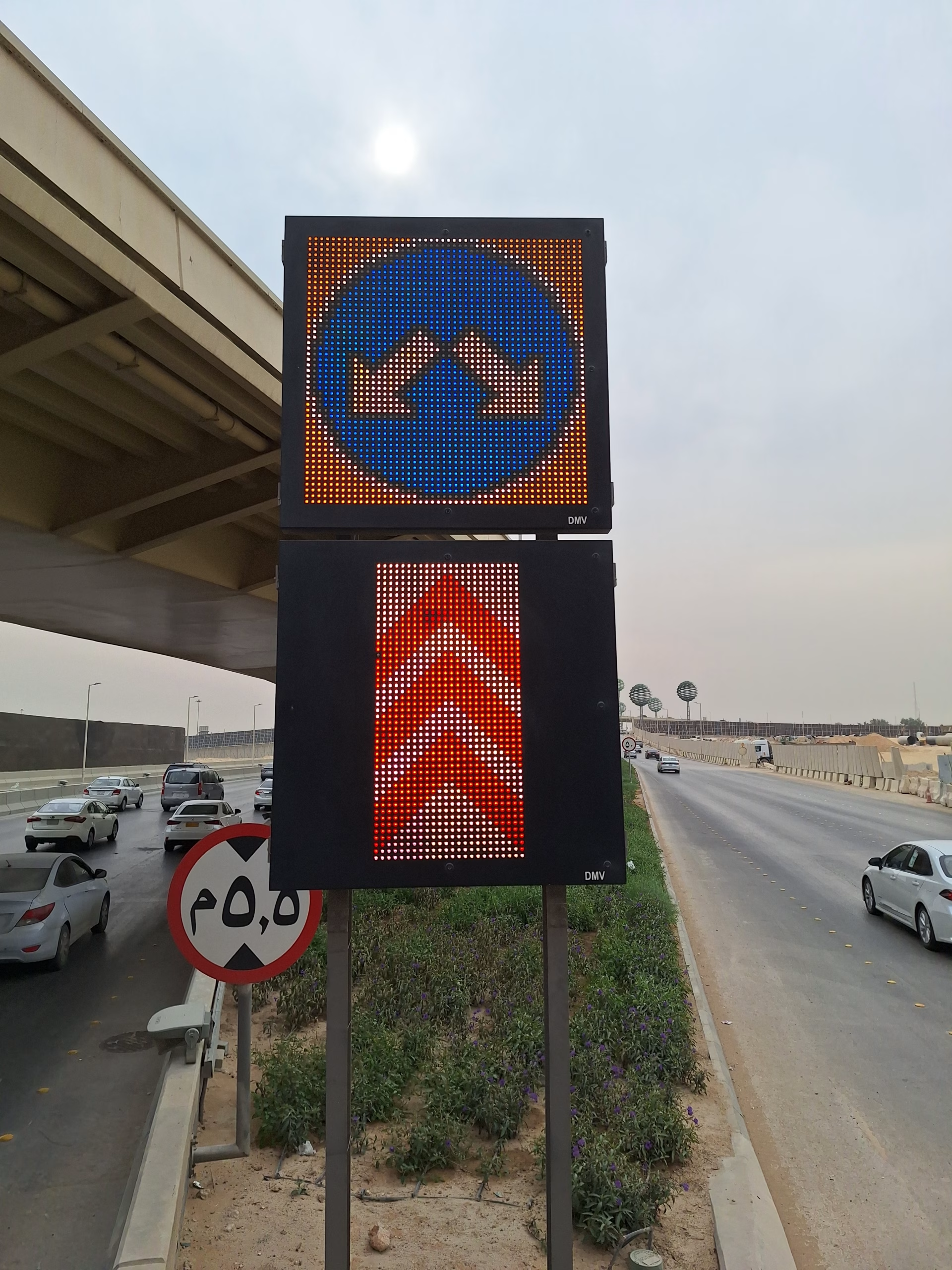
The resolution of a matrix field is defined by elements arranged in an orthogonal grid, characterized by specific horizontal and vertical spacing known as pixel pitch. Because the number of these elements varies, matrix fields can support a wide range of resolutions. While a higher pixel density provides a clearer, sharper display, it also results in higher energy consumption and increased costs.
The pixel pitch can be adjusted from wide to fine, directly impacting visual clarity. For projects prioritizing economical design and optimized power consumption, we recommend a wide (30 or 25 mm) or standard (20 mm) pixel pitch. Conversely, if the application requires dense textual information or complex imagery, we suggest a fine (15 mm) or ultra-fine (12 or 10 mm) pixel pitch.
Need a customized solution?
Contact us, and together we will develop a system that fully meets your technical requirements and project conditions.